v1.0Made for teachers

The teaching board for Zoom and the classroom

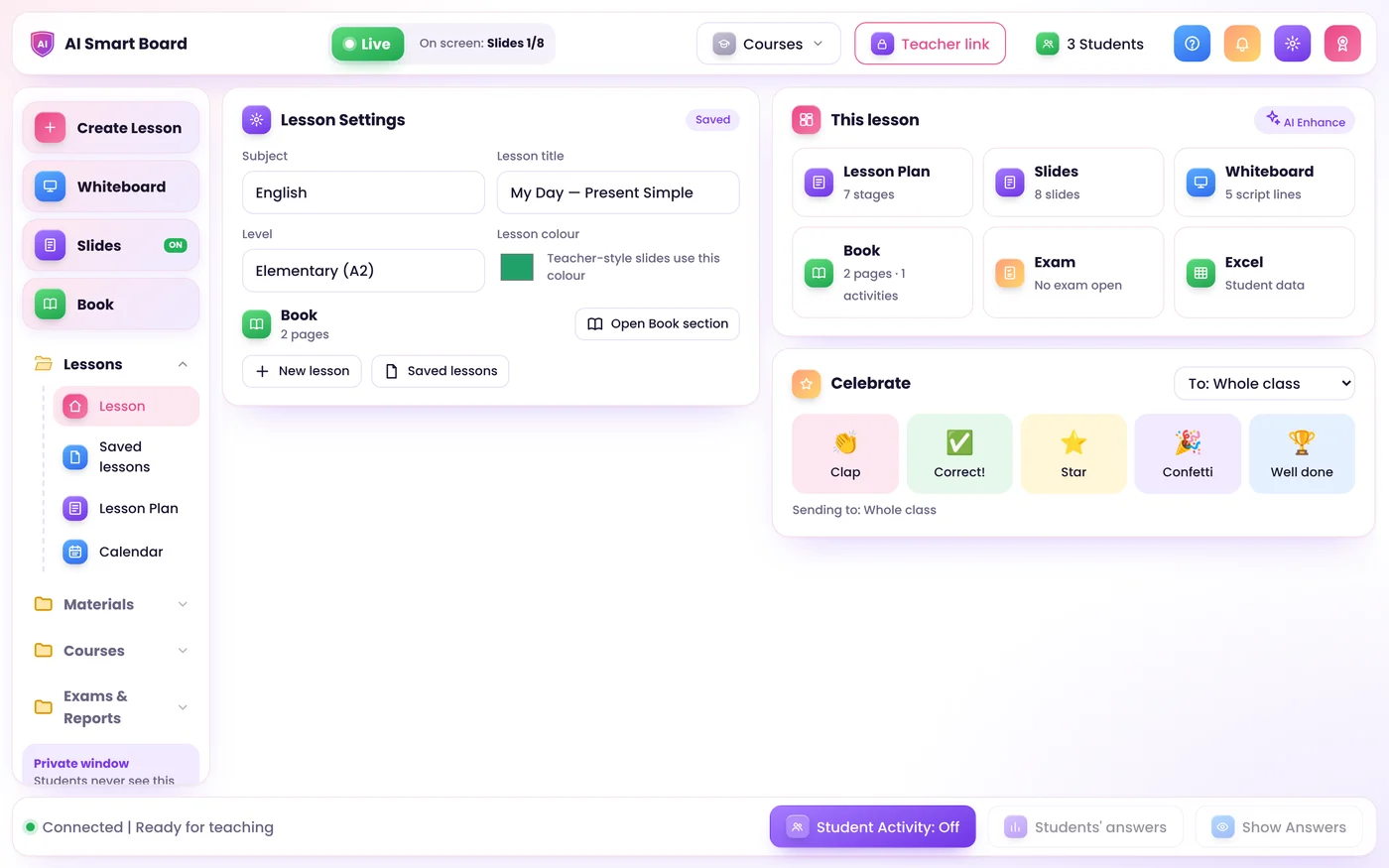
Slides, whiteboard, textbook, exams, Excel and homework files in one app. You teach from a private dashboard, share one window in Zoom, and students join with a single link.
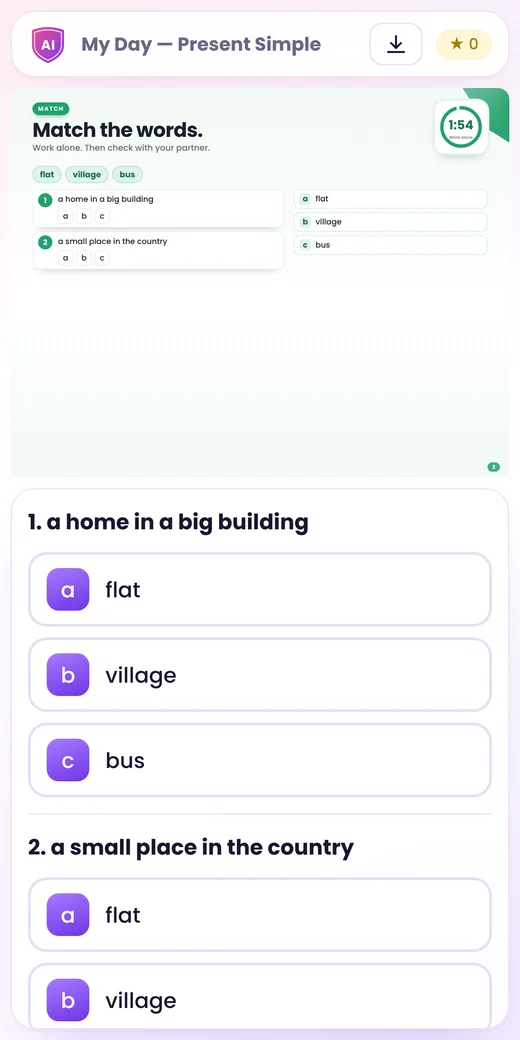
Zoom and the classroom One link for students Data stays on your PC
Ai Smart Board Teacher Dashboard
Ai Smart Board teacher dashboard
Student phone view
Live with 24 students
Lesson plan ready · CELTA
ZoomSmart boards & pensPhones & laptopsTEFL · CELTAEnglish & Arabic
Download

Get the Ai Smart Board app

A light app for your computer or phone. Send us your request with your code, choose your plan, and we send you your own copy of Ai Smart Board.

Windows

Windows 10 and 11. Install the app in one click from Chrome or Edge.

Download the appInstallation guide, PDF 4K

Mac

Any Mac. Install it from Chrome, Edge or Safari (File, Add to Dock).

Download the appInstallation guide, PDF 4K

Linux

Ubuntu, Debian, Fedora and more. Install it from Chrome or Edge.

Download the appInstallation guide, PDF 4K

Phone

iPhone and Android. Add it to your home screen: it opens like any app.

Download the appInstallation guide, PDF 4K

The app is free and very light: it opens in its own window with its own icon. Ai Smart Board itself runs on the teacher's computer, and students join from any phone, tablet or computer with one link.

Everything in one place

One app for the whole lesson

Upload your material once. It becomes slides, a lesson plan, a board script and an interactive book.

AI lesson in your style

A lesson plan in TEFL or CELTA format, slides that look like yours, and a board script. Use any AI key: OpenAI, Gemini and more.

A real whiteboard

Pressure pen, calligraphy pen for Arabic and English, and a highlighter. Your text is handwritten live, and pictures can turn in 3D or move.

Interactive textbook

Upload the book as PDF or pictures. Add activities by hand or with AI, Cambridge One style. Students answer on their own phones.

Exams with fair marks

Set the total and share it on all questions. Students only see "Exam completed". You get a full feedback PDF.

Excel built in

Formulas, sorting and sheets. Open .xlsx or .csv files and show a sheet to students, read only and live.

Homework files & reports

Students send homework by subject. You grade, comment and download a ZIP. Each student can download their own lesson report as a PDF.

Live or Frozen

You decide what Zoom and the students see

Share only the Presentation Window. Your dashboard stays private.

  • Live: move in the dashboard or the shared window, and every student moves with you.
  • Frozen: prepare the next part while the screen and the students stay where they are.
  • Timers, Show Answers and celebrations work in both modes.
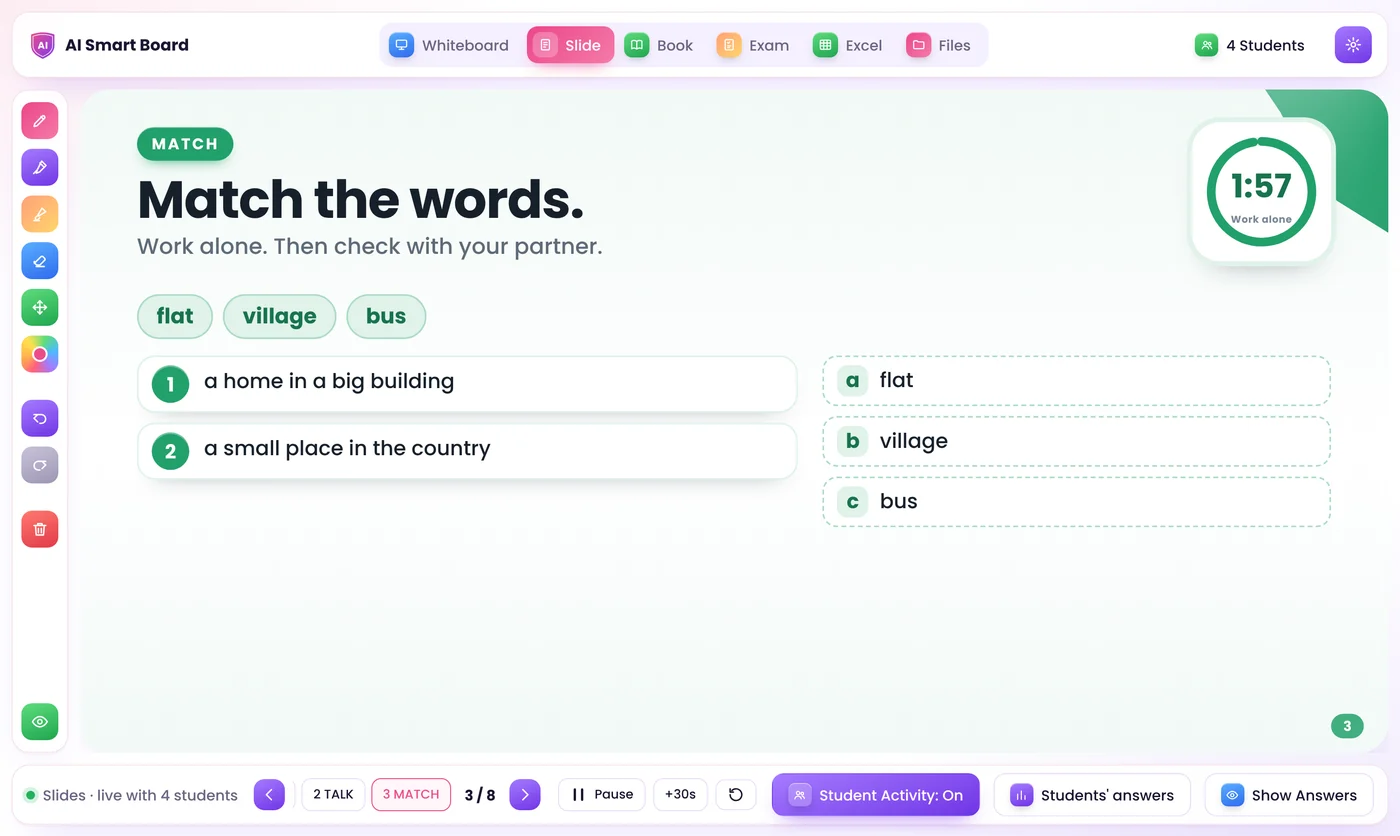
Presentation Window shared in Zoom
Whiteboard

Write it once, and it is handwritten on the board

Highlight a line in your board script and press Generate. A picture goes beside the line it is about, and never covers your writing.

  • Move and tilt any text or picture before or after writing it
  • 3D, or 3D with action: a heart beats and an animal swims or flies
  • Realistic AI video from a picture, with a Gemini or OpenAI key
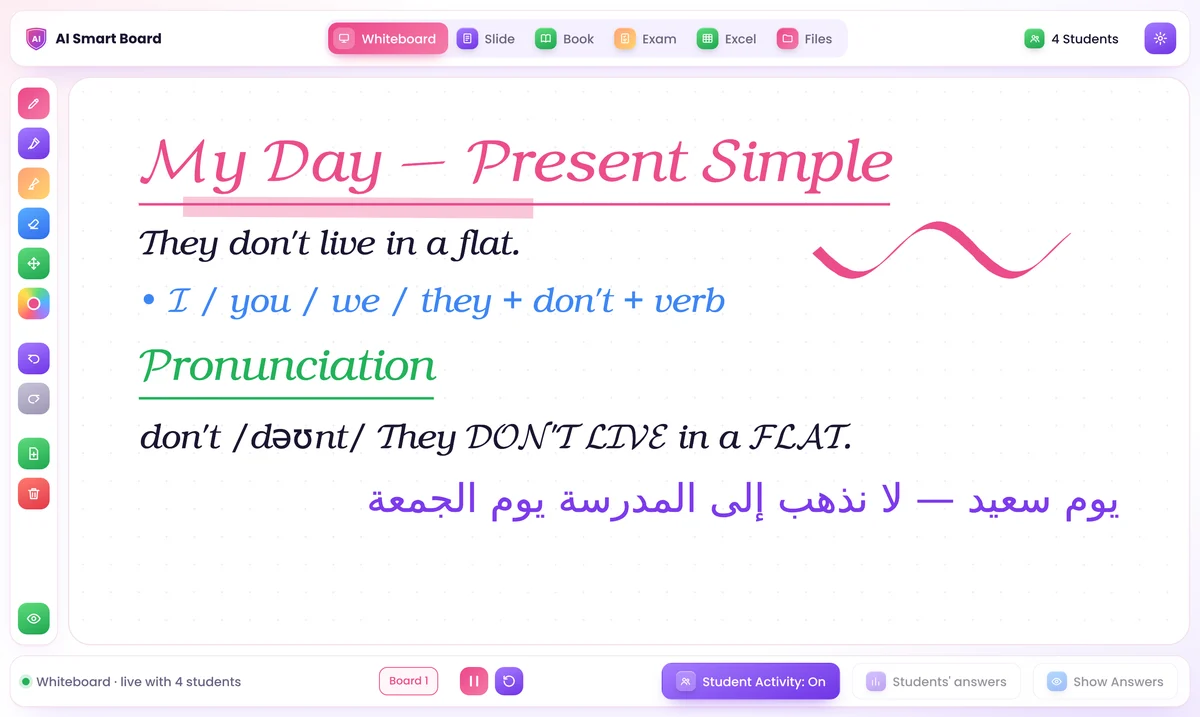
Live handwritten whiteboard
Lesson plan

TEFL or CELTA lesson plans, ready for Word

Aims, assumptions, anticipated problems, staged procedure, analysis and handout. You can edit every part, then download it as .docx or print it.

  • AI learns your style from your own plans and tutor feedback
  • A reflection is written only when you ask for it
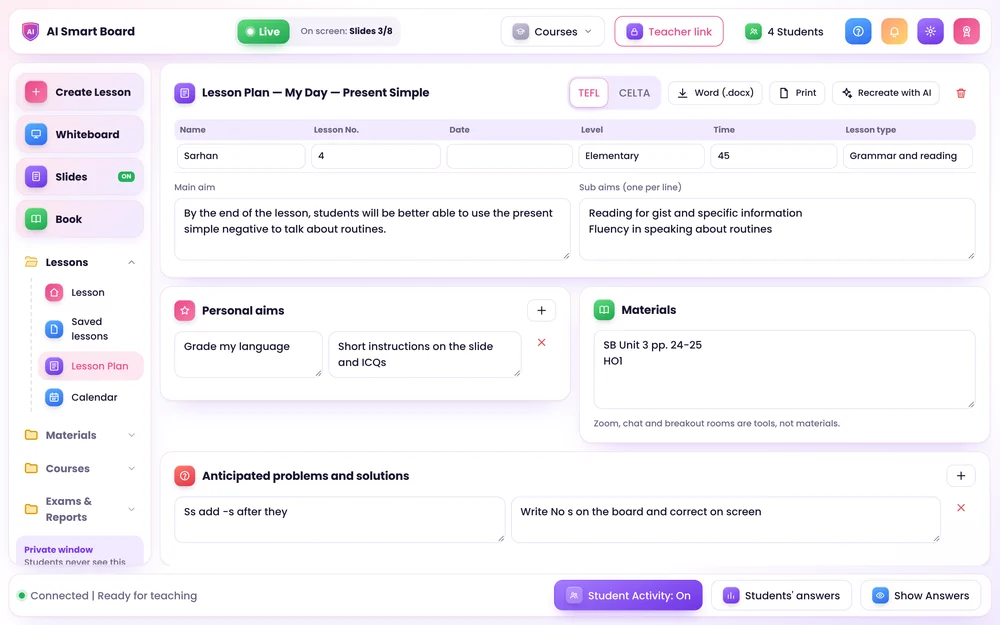
Lesson plan editor
Simple for everyone

How it works

Prepare your lesson

Bring your own material and get everything ready on your private teacher screen.

Share one window in Zoom

Share one clean window in Zoom, or show it on the classroom screen. Your controls stay private.

Students join

Students open one link on their phone, tablet or laptop, write their name and take part.

Privacy first

Your class stays yours

Lessons and student work are saved on the teacher's own computer, not on an outside server.

  • Students only get what is on the shared screen and their own work. They never see other students' answers, your notes or exam answers.
  • The Teacher Dashboard opens only on your computer. It cannot be opened through the internet link.
  • Each student's device has its own private key. Typing the same name on another device does not open their record.
  • The AI receives only your lesson material, never student names, answers or files. Your API keys are encrypted on your PC.
Bring your own AI

Works with the AI you already use

Paste any key in Settings. The app picks the best model for you. The provider bills the account that owns the key.

OpenAIGeminiOpenRouterDeepSeekMistralGroqxAIQwenTogetherPerplexityOllamaLM Studio

Questions

Can I download Ai Smart Board?

Yes. Download the installation guide for your device. Choose your plan and send us a message from the Ai Smart Board app or by email, and we send you your own copy of Ai Smart Board, activated for your computer.

Do I need an AI key?

No. Without a key, use Manual mode: your files are shared exactly as they are, and the whiteboard, book, exams, Excel and files all work. A key adds AI lesson plans, slides, book activities and AI video.

Do students need to install anything?

No. They open the link in any browser on a phone, tablet or laptop, write their name once, and they are in.

Does it work in a real classroom too?

Yes. Show the Presentation Window on a projector or smart board. It works with touch screens and pens, with pressure and palm rejection.
Ai Smart Board

Get Ai Smart Board

Download the installation guide for your device, choose your plan, and receive your own copy. Read the Getting Started guide to see how it works.

Windows 10 / 11Zoom & classroomArabic & English
Get in touch

Contact us

Questions about Ai Smart Board? Send us a message on WhatsApp or by email.
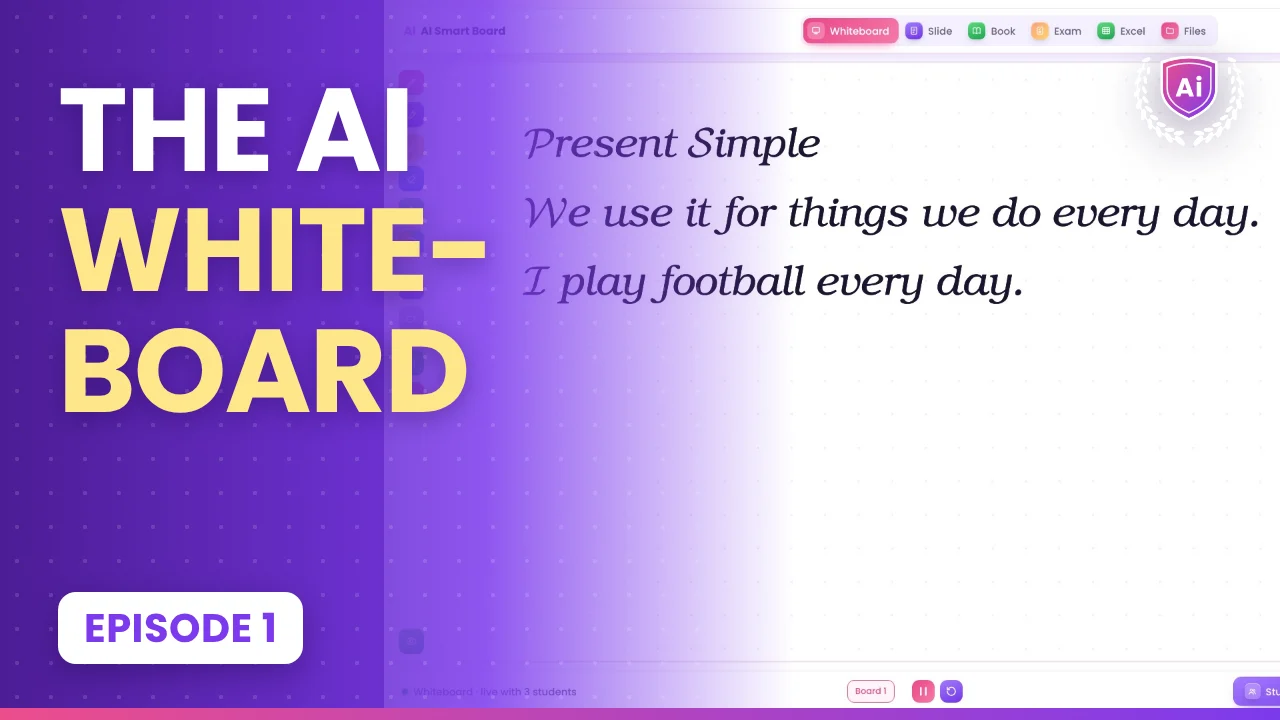
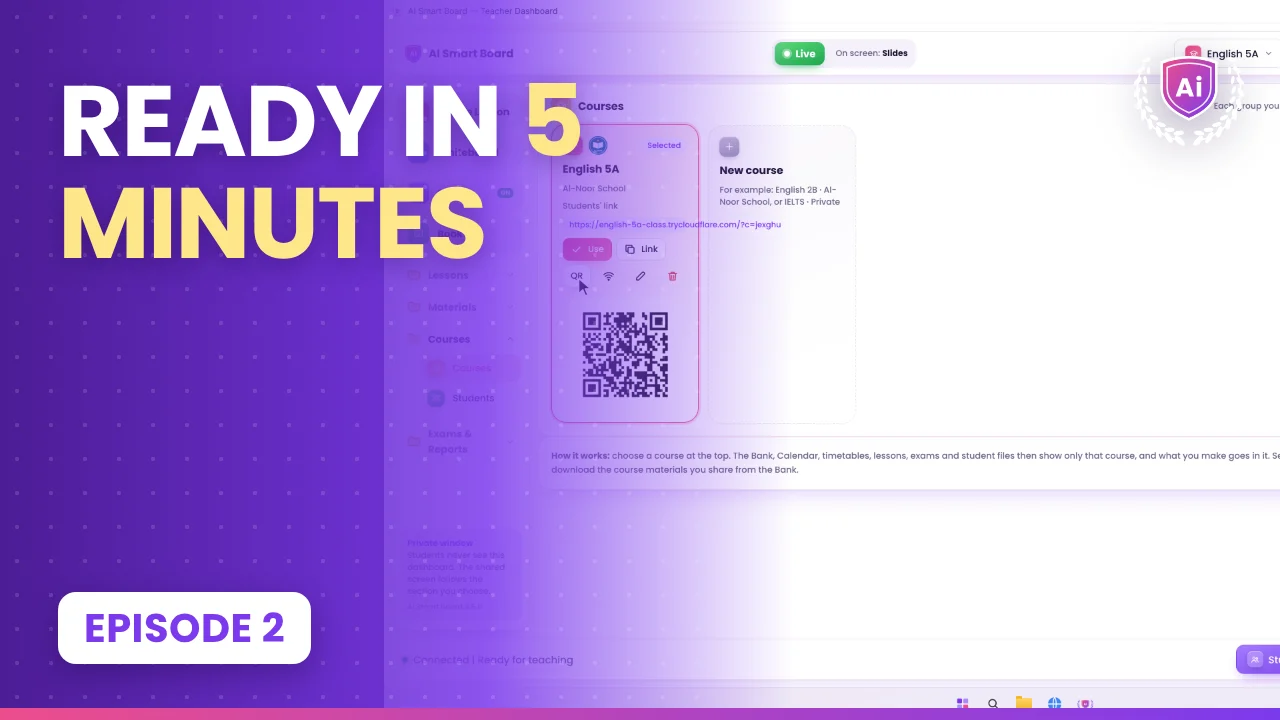
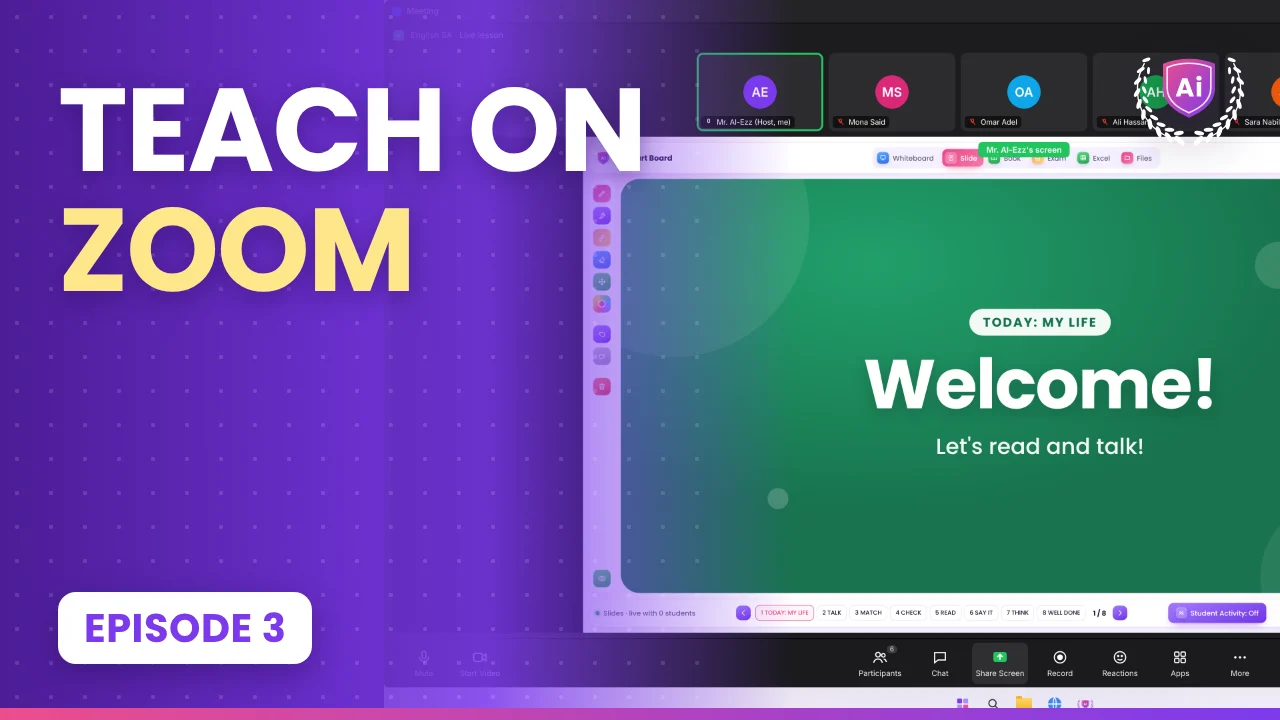
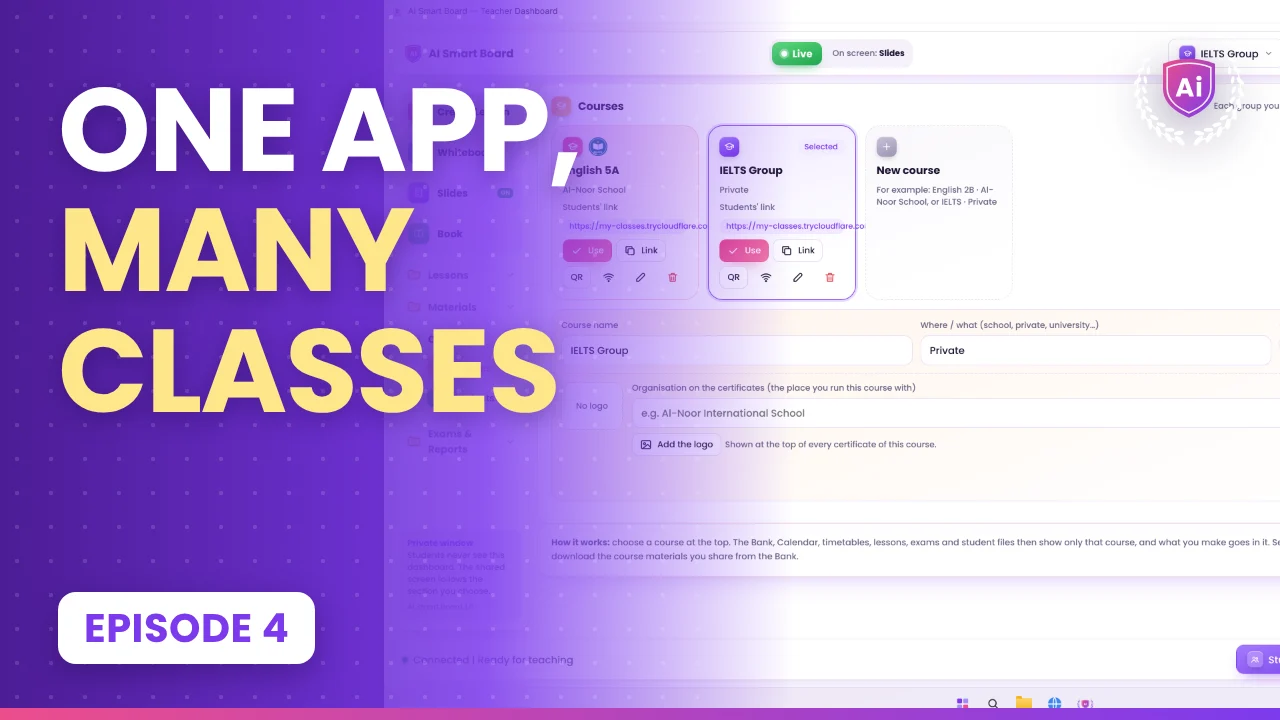
Watch and learn on YouTube

A short episode every day: one feature, step by step.

Ai Smart BoardThe AI whiteboard for teachers · New episode every day
Subscribe on YouTube
Ai Smart Board episode 1

43 episodes in 7 parts: from your first class to exams, reports and certificates.

Choose your plan

Pay once for life, or choose VIP monthly or yearly.

Lifetime
$50one time
Free gift: international materials

All the features of Version 1.0, yours for life.

  • Create lessons with AI: slides, lesson plan (TEFL / CELTA) and board script
  • Smart whiteboard and Smart Pen
  • Interactive textbook and live student answers
  • Exams, reports and certificates with your logo
  • Courses, Excel and student files
  • Teach on Zoom or in class: students join from any phone
  • Activated for your computer, yours for life
  • Future updates
Pay $50 securely
Secure checkout by KashierVISAMCDEBIT
Best value
Lifetime Plus
$250one time
Free gift: international materials

Every feature and every update, plus a live course and a certified certificate.

  • Create lessons with AI: slides, lesson plan (TEFL / CELTA) and board script
  • Smart whiteboard and Smart Pen
  • Interactive textbook and live student answers
  • Exams, reports and certificates with your logo
  • Courses, Excel and student files
  • Teach on Zoom or in class: students join from any phone
  • Activated for your computer, yours for life
  • Live online training course: learn Ai Smart Board step by step
  • Certified certificate when you finish the course
  • All future updates and new features, for life
  • New AI tools as soon as they are ready
  • Help to set up your courses and your first lessons
Pay $250 securely
Secure checkout by KashierVISAMCDEBIT
FREE GIFT WITH EVERY PLAN

International materials for schools and centers

Every subscriber gets a gift box of international school and center materials: Lifetime, Lifetime Plus, VIP and members. Ready to use in class, online or in person.

  • Lesson materials
  • Worksheets
  • Flashcards
  • Posters
  • Exams
  • Activities
Included free · sent to you after you subscribe
Lesson materials
Worksheets
Flashcards
Posters
Exams
Activities
VIP
THE TOP PLAN

VIP

Ai Smart Board with its own live classroom in the cloud, under your own name: your own web address and domain. A teacher app and a student app with a built in meeting room, running on our cloud servers, not on your computer. Record your classes and keep them in 2 TB of cloud storage.

Free gift: international materials
2 TB storageRecord your classesCloud appsYour own domain
$200per month
Subscribe to VIP
  • 2 TB of cloud storage for your class recordings
  • Record every live class in the cloud and share it with your students
  • Cloud apps: they run on our cloud servers, nothing to install on a local server
  • Your own web address (URL) and domain, in your name
  • Your own meeting room inside Ai Smart Board: no Zoom needed
  • A teacher app and a student app, made to work together
  • Live video, voice, chat and screen sharing in one place
  • Every Lifetime Plus feature, inside your own classroom app
  • All updates, new features and support while you subscribe
  • Your school name and logo in the apps
FOR SCHOOLS, UNIVERSITIES AND CENTERS

Assessment Service

Your institution subscribes, and we evaluate your students for you: an initial evaluation of every student with accurate, proctored and fair exams online. Then we deliver a full report to your institution. We work under a contract with your school, university or online center.

By contracta subscription for your institution
Request a proposal
  • Initial evaluation (placement test) for every new student
  • Exams built on your own curriculum and levels
  • Live online proctoring by our team
  • Anti cheating: PIN, timers and random questions
  • Fair, double checked marking
  • A full report delivered to you: every student, every class
  • Certificates with your logo and ours
  • Full coordination with your school, university or center

Pay securely online, and we send you your own copy of Ai Smart Board, activated for your computer. Questions first? Send us a message from the Ai Smart Board app.

TRAINING

Training courses for teachers

Live online training with certified certificates. Learn to teach online with confidence, from the basics to AI.

WORKSHOP

Online Teaching Basics

A practical start for every teacher who wants to teach online with confidence.

1 day · 3 hoursBeginnerLive online
  • Set up your online classroom: camera, sound, light
  • Run a smooth live class on Zoom, Google Meet or Teams
  • Keep students engaged and talking from the first minute
  • Simple rules and routines for online classes
  • A ready checklist for your first online lesson
Certified certificate of attendance
Ask for dates and price
TRAINING COURSE

Online Teaching and Its Tools

Build complete online lessons with the best digital tools, step by step.

4 weeks · 8 live sessionsBeginner to intermediateLive online + practice
  • Plan online lessons with clear stages and timing
  • Interactive slides, whiteboards and digital books
  • Quizzes, polls and live student answers
  • Google Classroom, Drive and sharing files with students
  • Homework, feedback and tracking progress
  • Teach a full demo lesson and get feedback
Certified certificate of completion
Ask for dates and price
DIPLOMA

Diploma in Distance Learning and AI in Education

The complete program: every distance learning tool and AI for teachers, from planning to assessment.

3 months · 24 live sessionsAll levelsLive online + final project
  • Everything in the workshop and the course
  • AI for teachers: lesson plans, slides, questions and feedback
  • Writing good prompts and checking AI answers
  • Online exams, fair assessment and reports
  • Blended and hybrid classes: online and in class together
  • Managing many classes and courses with Ai Smart Board
  • Final project: your own complete online course
Certified diploma certificate
Ask for dates and price
Data stays on your PC
Encrypted API keys
Windows 10 and 11
Zoom, Google Meet, Teams
Any phone, no app needed
English and Arabic

Works with the tools you already use

ZoomGoogle MeetMicrosoft TeamsGoogle ClassroomGoogle DriveYouTubeWhatsAppZoomGoogle MeetMicrosoft TeamsGoogle ClassroomGoogle DriveYouTubeWhatsApp
WindowsMacLinuxAndroidiPhone & iPadSmart boardsProjectorsWindowsMacLinuxAndroidiPhone & iPadSmart boardsProjectors
MEMBERSHIP

Become an Ai Smart Board member

Members are part of the Ai Smart Board community. Here is what you get:

  • Membership certificate and cardA certified membership certificate and a member card, for a center or for a person.
  • Education resources, always updatedWe send you resources about education and global education, and new updated resources all the time.
  • Invitations to every conferenceAttend all Ai Smart Board conferences: new ideas in teaching, AI in education and the newest features, first.
  • Your logo on our websiteYour school, center or university logo is shown in Our members, on the Ai Smart Board website.
Become a member
OUR MEMBERS

Your logo here

Become a member and your logo moves here with our members.

Your logo
Your logo
Your logo
Your logo
Your logo
Your logo
Your logo
Your logo
Your logo
Your logo
Your logo
Your logo
Your logo
Your logo
Your logo
Your logo
Your logo
Your logo
Your logo
Your logo
Your logo
Your logo
Your logo
Your logo
PARTNERS

Become an Ai Smart Board partner

Schools, universities, training centers and education companies: work with us and show your logo here.

Partner with us
Your logo
Your logo
Your logo
Your logo
Your logo
Your logo
Your logo
Your logo
Your logo
Your logo
Your logo
Your logo
Your logo
Your logo
Your logo
Your logo
Secure payment by cardVISAMastercardAMEXDEBIT